
Shotli is my own product. I take a lot of screenshots for client work and case studies, and every one needs the same finishing before it goes anywhere: a background, a bit of padding, a frame and a shadow. The tools that do that well tend to want an account, a subscription, or an upload.
So I built the one I wanted. Shotli is free to download from shotli.bm.studio, the source is on GitHub under the MIT licence, and there is no account. Nothing is uploaded.
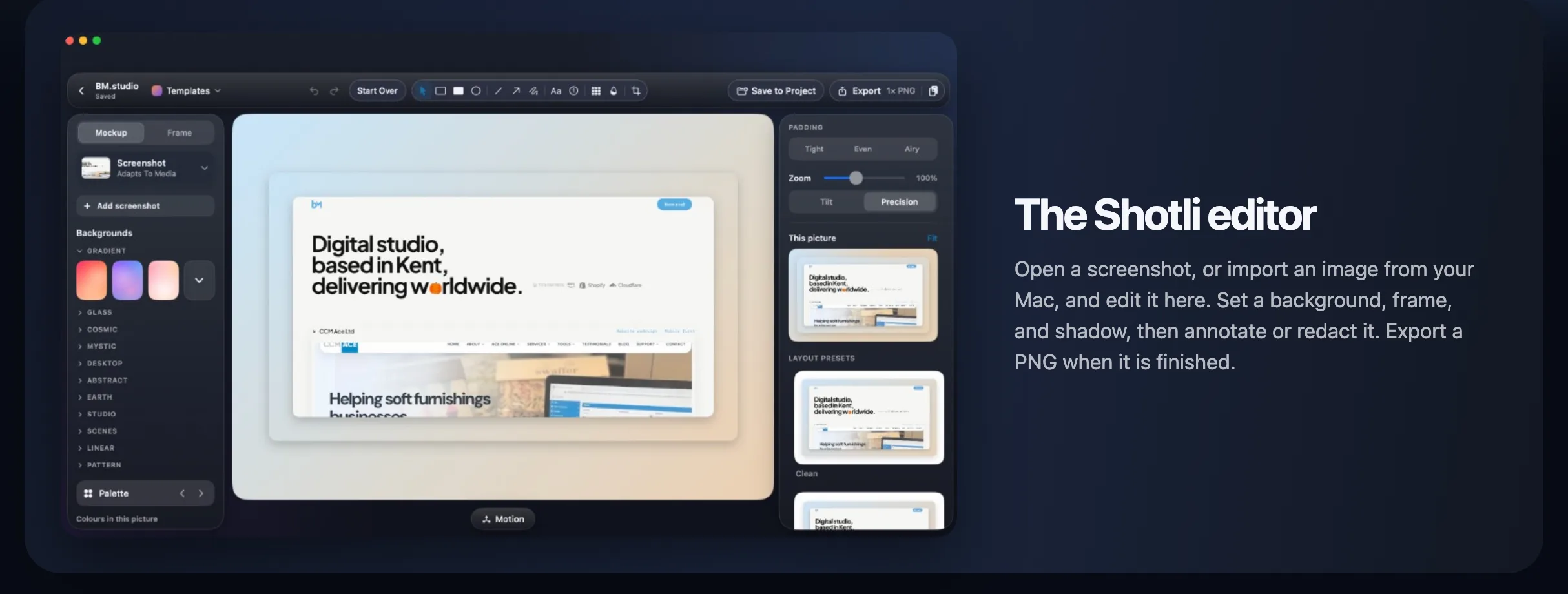
It started in the browser
The first version was a web app. You dropped an image in, styled it, and exported a PNG, all in the browser. It worked, but a screenshot tool lives or dies on the first step. If you have to take the screenshot, find the file and drag it into a tab, you have already lost the moment.
On the first day I rewrote it as a native Swift app for the Mac. That meant Shotli could sit in the menu bar, capture the screen itself, and open the shot straight in the editor.
Five days, 86 commits, 61 releases. The first Mac release went out on 25 October 2026. Version 0.2.62 shipped on 29 October. Every release is public on GitHub.
What it does
- Capture. Take an area of the screen from the menu bar, or with a shortcut that works from any app.
- Finish. Set the background, padding, corners, frame and shadow. Palette builds backgrounds from the colours already in your screenshot.
- Mark up. Annotate, or redact anything that should not be shared.
- Share. Export a PNG, copy it to the clipboard, or drag it straight into another app.
- Motion. Motion Studio turns a screenshot into a short looping MP4.
A library, not a folder of files
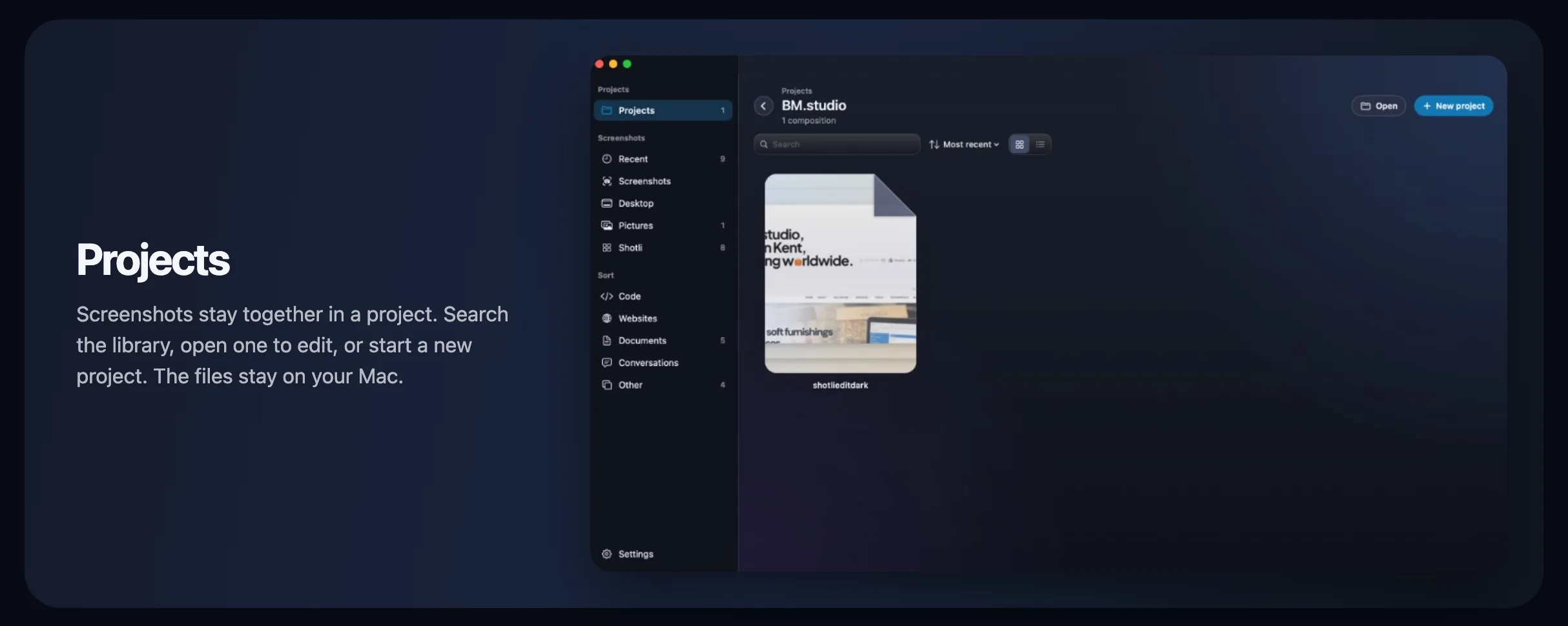
Screenshots pile up. Shotli keeps them together in projects, and each project is just a folder on your Mac, so nothing is locked inside the app. It can sort new screenshots and search the words inside them, and all of that happens on the Mac too.
The unglamorous parts
Most of the work in a Mac app is not the editor. One download had to run on both Apple silicon and Intel Macs, back to macOS 12. Shotli needed to update itself, so from version 0.2.2 Check for Updates downloads the new version and replaces the app.
Screen Recording permission was the other one. macOS ties it to how the app is signed, so early updates asked for it again every time. Signing each release with the same certificate fixed that. You allow it once and later updates keep it.
Knowing what to leave out
I built phone, tablet and laptop frames, with metal edges and camera islands. Then I turned them off before they shipped. They were not good enough yet, and a half-finished feature makes the whole app feel less finished. Leaving something out is part of the job.
Why it is open source
A tool that handles your screenshots should be easy to trust. With the source public, anyone can check that nothing is uploaded, build the app themselves, or send a fix. Shotli is written in Swift, and one script builds the disk image from the repo.
You can download Shotli and read the changelog at shotli.bm.studio.
If you need something built
Shotli is the same work I do for clients: a clear brief, a fast build, and careful release. If you need a website, a store, or a bespoke system, email hi@bm.studio.